The Bootstrapped Founder’s Guide to Stress-Free Bookkeeping with Wave
Cashflow Calm: Stand Up Wave Accounting in an Afternoon (and Keep It Running)
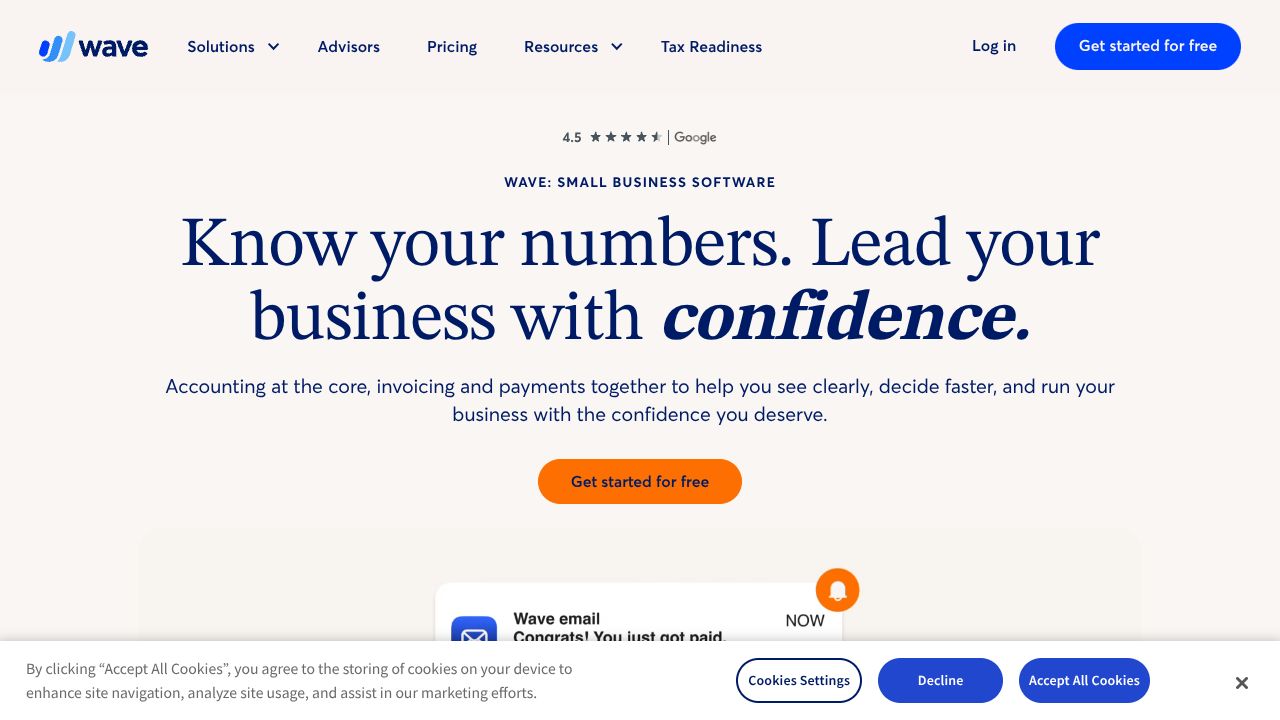
Ever spent hours chasing receipts, only to miss an invoice follow-up that costs you rent? In my 15 years around scrappy startups, the teams that win financial hygiene early don’t buy features—they buy clarity. Wave Accounting gives you the essentials free: unlimited invoicing, basic bookkeeping, and integrated online payments. While AI-first tools like SlickPie and workflow-rich suites like Zoho Books shine in automation, Wave is better when you need zero-upfront cost, fast setup, and a clean dashboard your cofounder actually uses.
Step 1: Stand Up Your Financial Base in 30 Minutes
- Create your account at https://www.waveapps.com and select your business type, currency, and fiscal year.
- Customize your chart of accounts:
- Add income categories for each revenue stream (e.g., “SaaS Subscriptions,” “Services,” “Affiliate”).
- Keep expense categories lean (e.g., “Marketing,” “Software,” “Contractors”) to avoid reporting noise later.
- Turn on Payments:
- Enable online payments to accept credit cards at 2.9% + $0.60 per transaction (Pro discounts the fee for your first 10 transactions to 2.9% + $0).
- Add payment terms (Net 7/14/30) and default late fees if you use them.
- Connect the money pipes:
- Starter (free): Manually add transactions and upload attachments for receipts.
- Pro ($16–$19/month or $170–$190/year): Auto-import and categorize bank transactions; unlock unlimited receipt capture with OCR.
- Set sales tax and invoice defaults: Add your local tax rates once so invoices and reports stay compliant.
- Invite collaborators: Wave’s free tier doesn’t cap users—add your cofounder and bookkeeper now.
- Install the mobile app to invoice on the go and log expenses immediately.
Step 2: Core Features You’ll Use Weekly
- Invoicing that gets you paid
- Create an invoice template with your logo and terms.
- Add Products/Services with preset prices (e.g., “MVP Build Sprint,” “Monthly Retainer”).
- Send via email with a “Pay Now” link; enable partial payments for project milestones.
- Use recurring invoices for subscriptions and retainers.
- Expenses without shoebox chaos
- Starter: Record expenses manually and attach photos/PDFs.
- Pro: Snap receipts with OCR; auto-match to bank imports to kill double entry.
- Transactions and categorization
- With Pro, let Wave import/categorize daily; review weekly and correct anything off.
- Without Pro, import a monthly CSV from your bank and categorize in batches.
- Cash flow visibility
- Use the dashboard’s income vs. expense and overdue invoices to monitor runway.
- Check “Aged Receivables” weekly; follow up the day invoices turn overdue.
- Estimates and quotes
- Send estimates for scope approval, then convert to invoices with one click.
Step 3: Pro Tips for Startup Operators
- Price in payment fees: At 2.9% + $0.60 per card transaction, add a small margin to quotes or set a minimum invoice size. What others won’t tell you: this quiet discipline can add a month of runway over a year.
- Time-box Pro: Turn on Pro for heavy months (fundraise close, tax prep), auto-import and reconcile, then drop back to Starter if budgets are tight.
- Build revenue clarity early: Map each revenue stream to a unique income category and item. Your investor updates and self-serve pricing decisions will get sharper.
- Automate collections: Pro’s automated reminders reduce DSO without awkward emails. Set Day -2 (friendly nudge), Day 0 (due), Day +3 (firm reminder).
- Create a 5-minute daily receipt ritual: Snap, categorize, done. You’ll save hours at quarter-end.
Common Mistakes to Avoid
- Mixing personal and business spend: Open a dedicated business account before you import anything. Commingling is how audits and bad decisions start.
- Ignoring tax settings: Set sales tax once; forgetting means painful rework and underpaid remittances.
- “End of month” reconciliation heroics: Review transactions weekly. If you’re on Starter, schedule a Friday CSV import; on Pro, spend 10 minutes approving categorizations.
How It Compares to Alternatives
- While SlickPie excels at AI-driven automation and ease-of-use out of the box, Wave’s free, unlimited core is better suited for founders prioritizing zero software spend and integrated payments without caps.
- Zoho Books brings deeper workflow automations and broader SMB features. If you need complex approvals or richer ecosystem integrations from day one, Zoho may edge out Wave—but it’s paid, and overkill for many solopreneurs.
- Kashoo focuses on simplified income/expense tracking with AI assistance. It’s friendly, but if your budget is razor-thin, Wave’s unlimited free invoicing and bookkeeping usually wins on value.
Conclusion: Is Wave Accounting Right for You?
If you’re a freelancer, solo founder, or a team under 10 managing invoices, expenses, and cash flow basics, Wave is the pragmatic choice: free forever for unlimited invoicing and bookkeeping, with optional Pro when you want automation. From what I’ve seen, founders who set up Wave in an afternoon, enforce weekly reviews, and price in payment fees consistently avoid end-of-quarter chaos. If you outgrow the basics and crave heavier automation, evaluate Zoho Books or SlickPie. Otherwise, keep it simple—and keep shipping.
Resource Link
Visit Wave Accounting →