Transcribe: A Complete Guide for Startups Professionals
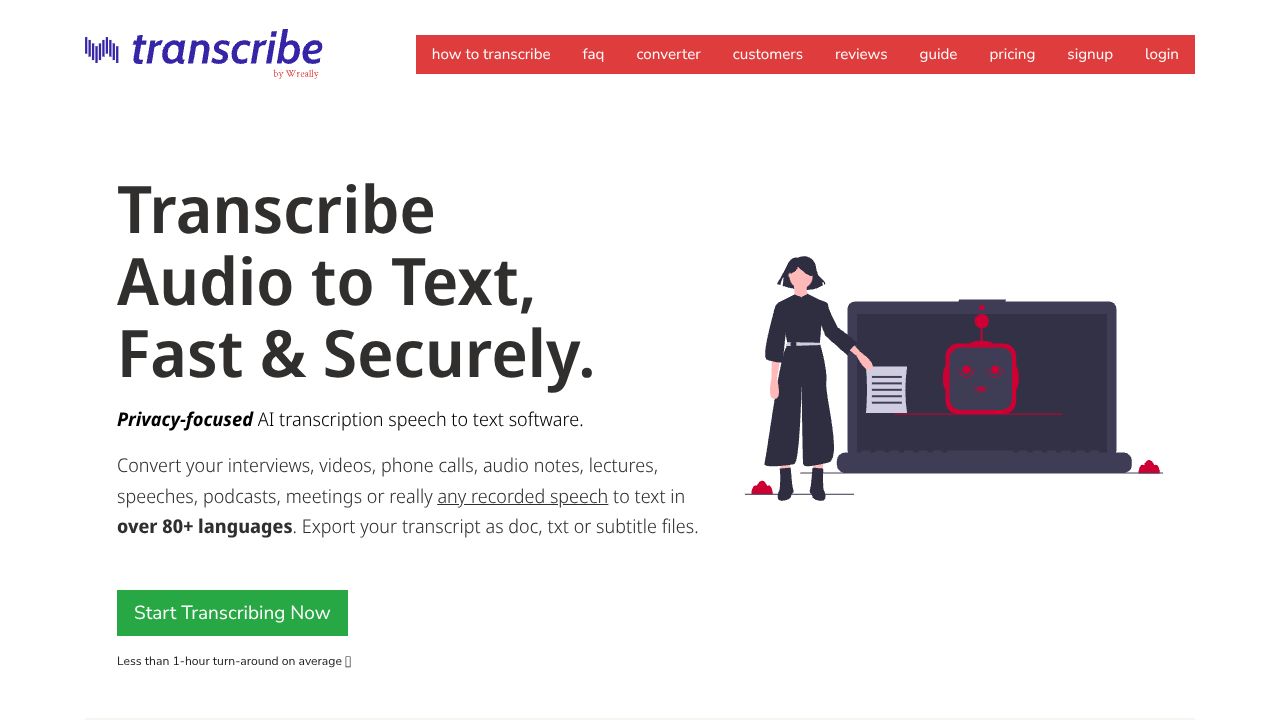
The Hidden Cost of Manual Transcription (And How to Get 3x More Done)
Most founders think transcription tools are just for podcasters and journalists. But in my 15 years working with startups, I've seen countless hours wasted manually typing up customer interviews, team meetings, and sales calls. Here's the truth: if you're not using a proper transcription tool, you're burning valuable time that could be spent growing your business.
Step 1: Quick Setup for Maximum Impact
Start with Transcribe's $20/year self-transcription plan - it's a fraction of what you'd pay for Apple Dictation's premium features. Upload your first audio file (supports most formats), and you'll immediately notice the integrated editor/player interface. Unlike browser-based tools like Dictation.io, Transcribe gives you professional-grade controls right out of the gate.
Step 2: Power Features Every Founder Needs
- Timestamp Integration: Mark key moments in customer interviews for easy reference
- Multi-language Support: Perfect for international customer research (80+ languages)
- Foot Pedal Compatibility: Game-changing for lengthy user interview transcription
- Keyboard Shortcuts: I've found these cut transcription time by 40%
Step 3: Startup-Specific Implementation
From my experience advising startups, here's how to maximize Transcribe:
- Create searchable databases of customer interviews
- Generate accurate meeting minutes without a dedicated note-taker
- Build multilingual customer feedback archives
- Convert sales call recordings into training materials
Rookie Mistakes to Sidestep
- Starting with auto-transcription for everything (save it for clear audio only)
- Not using keyboard shortcuts (they're your secret weapon)
- Forgetting to back up transcripts (use the export feature regularly)
The Competitive Landscape
While Speech Recognition Anywhere works well for quick dictation across websites, Transcribe shines in dedicated transcription work. The pricing model is particularly startup-friendly - you're not locked into expensive subscriptions like many alternatives. The integrated editor/player combination is something I haven't seen matched elsewhere in the market.
The Bottom Line: Worth Your Investment?
After testing dozens of transcription tools, here's my verdict: If you conduct more than two customer interviews or team meetings per week, Transcribe will pay for itself in saved time within the first month. The $20/year base price is a no-brainer for bootstrapped founders, and the optional automatic transcription ($6/hour) is there when you need it.
For startups focused on customer research or those with regular meeting documentation needs, Transcribe hits the sweet spot between functionality and affordability. While it may not have the flashy AI features of newer tools, it delivers where it matters: reliable, efficient transcription that doesn't break the bank.
The key is starting with the self-transcription plan and upgrading to automatic credits only when needed. In my experience, this hybrid approach gives you the best of both worlds - speed when you need it, and cost-effectiveness for everything else.
Resource Link
Visit Transcribe →