How Munch Helps Startups Crush the Content Treadmill
The Content Treadmill Is Killing Your Growth
Picture this: You’ve just finished a marathon recording session for your startup's new podcast or a deep-dive product demo. You know there’s gold in those 45 minutes of footage, but the thought of spending your entire Sunday afternoon scrubbing through timelines, adding captions, and resizing clips for TikTok, Reels, and Shorts makes you want to close your laptop forever. In my 15 years in this industry, I’ve seen more founders burn out on "content consistency" than on actual product development.
In the old days, you’d hire a junior editor or lose dozens of hours to Premiere Pro. Today, we have AI-driven extraction. While tools like Descript or CapCut are great for manual editing, Munch solves the specific "distribution bottleneck" by using pattern recognition to find the most viral-ready moments for you. It’s not just a cropper; it’s a data-driven scout for your brand.
Step 1: Fueling the Engine with Raw Footage
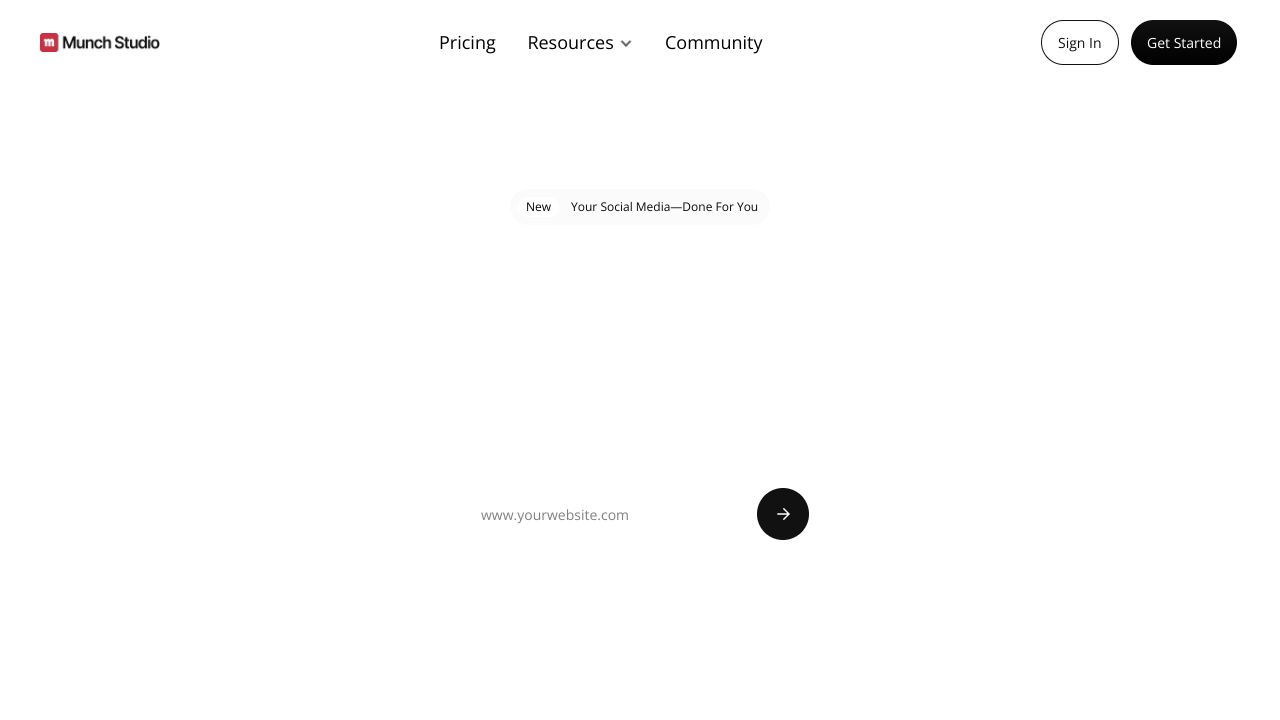
The first step is remarkably low-friction, which is a breath of fresh air for bootstrapped builders. Once you’ve landed on the dashboard, you aren't met with a complex timeline. Instead, you're asked for a source. You can upload a raw file directly, but the pro move is to paste a YouTube link.
Munch will ask you to define your "context"—are you looking for educational snippets, hype clips, or interview highlights? This is where my "venture advisor" brain kicks in: be specific here. If you’re a SaaS founder, select "Educational/Informative" to ensure the AI prioritizes your value drops over mere filler talk.
Step 2: Mastering the AI Extraction Suite
Once the AI processes your video (usually in about 5–10 minutes), you’ll see a curated list of "drops." Here is what you need to focus on:
- The Coherence Score: Munch assigns a score to each clip based on how well it stands alone. As a rule of thumb, I tell my founders to ignore anything below an 80. Stick to the high-conviction clips.
- Auto-Captioning & Styling: It generates captions automatically, but the "Indie Founder" edge comes from branding. Customize your font and brand colors immediately so your clips don't look like generic AI spam.
- Keyword Intelligence: Munch provides the trending keywords and hashtags for each clip based on current social platform data. It’s like having a mini SEO consultant built into your editor.
- Platform-Specific Aspect Ratios: With one click, you can see how the clip looks in 9:16 (TikTok) versus 1:1 (Instagram Feed). The AI intelligently tracks the speaker’s face, so you aren't left with a shot of a blank wall while the founder is talking off-screen.
Step 3: The "Indie Founder" Workflow for Maximum Reach
To truly leverage Munch like a veteran, don't just export and pray. Use the Multi-Platform Scheduling feature. Most founders make the mistake of posting the same clip to every platform at 9 AM on a Tuesday.
Instead, use the analytics sidebar within Munch to see when your specific niche is most active. I recommend a "staggered release" strategy: post your strongest clip to LinkedIn (where the B2B founders hang out) on day one, then hit TikTok with a different high-energy snippet on day two. This keeps your brand appearing "everywhere" without exhausting your audience with repetitive content.
Common Mistakes to Avoid
- The "Set It and Forget It" Trap: AI is a co-pilot, not the captain. Always review the auto-generated captions. I’ve seen AI turn "SaaS" into "Sauce" more times than I can count, which kills your authority instantly.
- Ignoring the "Hook" Edit: Munch is good at finding segments, but you should manually trim the first 1.5 seconds to ensure the clip starts on a high-impact word.
- Over-Editing Styles: In the bootstrap world, authenticity wins. Don't bury your message under too many flashing emojis and aggressive transitions. Keep it clean and professional.
How It Compares to Alternatives
If you’ve been around the startup block, you know Munch isn't the only player. However, it fills a specific gap.
If you need a full-stack video marketing suite that includes screen recording and heavy manual editing, Loom or Descript might be your starting point. Those tools are better for the creation phase. Munch, however, is a distribution powerhouse. While Canva offers basic video resizing, it lacks the "algorithmic intelligence" that Munch uses to actually pick which parts of your video will perform best on the FYP (For You Page).
Conclusion: Is Munch Right for You?
If you are a solo founder or a small team producing long-form video—whether that’s webinars, podcasts, or YouTube tutorials—Munch is a non-negotiable part of your stack. At $49/month, it’s significantly cheaper than a freelance editor and faster than any manual process I’ve used in my 15 years of operations.
For the bootstrapped builder, time is your most precious non-renewable resource. Stop spending it in the editing suite and start spending it on your product. Let the AI handle the "social noise."
Resource Link
Visit Munch →