How Startups Can Boost Productivity with Monday.com Tools
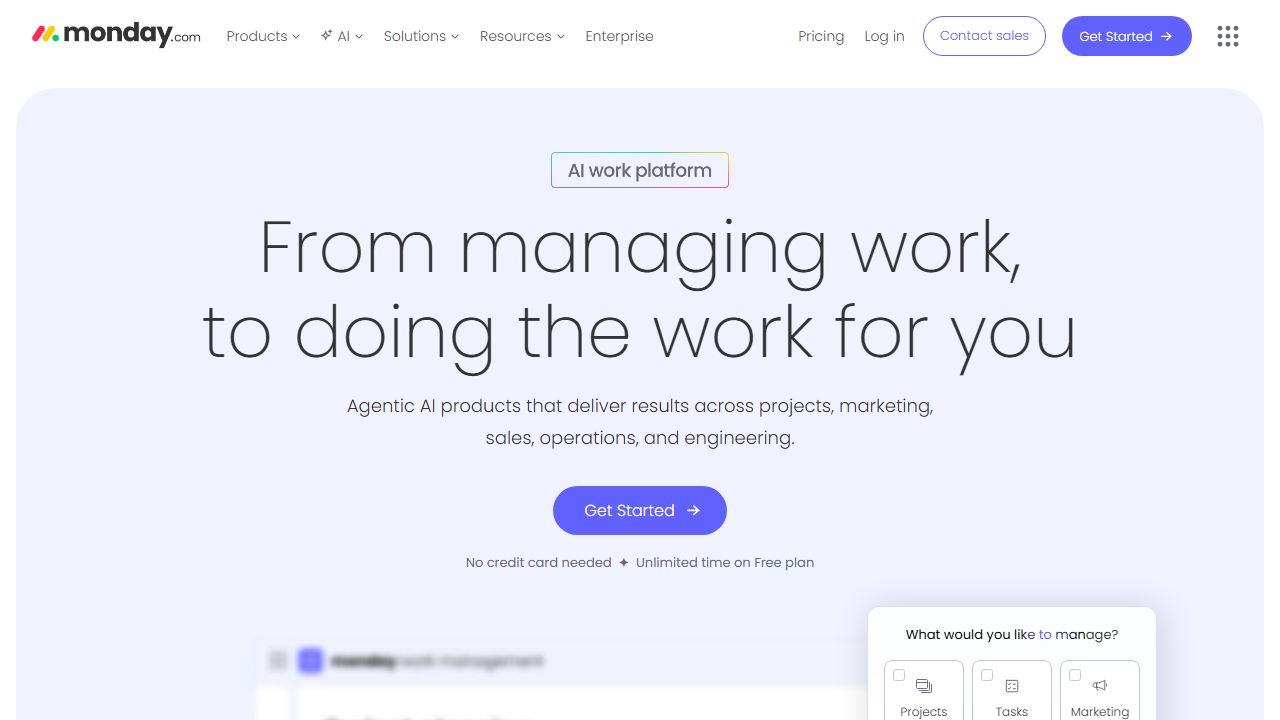
What is Monday.com?
In my fifteen years of building and scaling startups, I’ve seen the "productivity porn" cycle repeat itself a dozen times. Founders often get trapped in a loop of switching tools every six months because their current stack lacks flexibility. This is where Monday.com differentiates itself. It isn’t just a project management tool; it is a Work Operating System (Work OS).
For the indie founder or a growing startup team, Monday.com serves as a centralized hub where you can build custom workflows without writing a single line of code. It bridges the gap between simple to-do lists and overly complex enterprise ERPs. Whether you are managing a software sprint, a marketing campaign, or a sales pipeline, it provides the visual clarity needed to prevent things from falling through the cracks during the "chaos phase" of a startup.
Key Features and Capabilities
1. The "Board" Architecture and Column Diversity
The core of Monday.com is the Board. Unlike rigid databases, these boards are composed of over 30 different column types. As a veteran in this space, I appreciate that I can track more than just "Status." You can integrate "Mirror Columns" to pull data from other boards, "Formula Columns" to calculate profit margins or burn rates automatically, and "Dependency Columns" to ensure your lead engineer doesn't start a task before the designer finishes the mockups. This granularity allows you to treat your board as a living dashboard rather than a static list.
2. Advanced Automations (The "Founder’s Time-Saver")
The real power lies in the automation engine. In a lean startup, you don't have a Project Management Office (PMO) to nudge people. I use Monday’s "recipes" to handle the grunt work. For example: "When a status changes to 'Stuck,' notify the Project Lead and move the item to the 'High Priority' board." This eliminates the need for "status update" meetings. You can automate recurring tasks, deadline reminders, and even cross-board movements, effectively giving you an automated virtual assistant.
3. Integrated Dashboards and Reporting
Startups live and die by data. Monday.com allows you to aggregate data from multiple boards into a single high-level Dashboard. You can use "Battery Widgets" to see the progress of ten different projects at a glance or "Workload Widgets" to ensure your lead developer isn't being assigned 80 hours of work in a 40-hour week. This high-level visibility is crucial for founders who need to step back from the weeds and look at the "big picture" strategy.
4. Custom Views (Gantt, Kanban, and Beyond)
Different team members process information differently. Your developers might prefer a Kanban board, while your marketing lead needs a Calendar view, and you—the founder—likely need a Gantt chart to track the product roadmap toward the next funding round. Monday allows users to toggle between these views instantly. The "Timeline View" is particularly robust, allowing for drag-and-drop adjustments that automatically update the underlying data, making pivot-planning significantly less painful.
Getting Started
Setting up Monday.com correctly from day one is vital to avoid a cluttered workspace. Follow this professional setup sequence:
- Define Your Workspace: Start by creating specific Workspaces (e.g., "Product," "Growth," "Operations"). This prevents the "Information Overload" that kills productivity.
- Choose a Template, Then Gut It: Don't start from scratch. Use the "Software Development" or "CRM" templates, but immediately remove columns you don't need. Simplicity is your friend in the beginning.
- Establish Your "Source of Truth": Pick one board to be your master roadmap. Use "Connect Boards" columns to link individual task boards to this master board.
- Invite Your Team and Set Permissions: Assign owners to every single item. In my experience, a task without an owner is a task that never gets done.
- Set Your First Three Automations: Start with a "Deadline Reminder" (24 hours before) and a "Status Change" notification. This gets the team into the habit of updating the tool.
Real-World Use Cases
Scenario A: The Agile Product Launch
For a technical founder, Monday.com excels at managing the transition from MVP to a full-scale product. You can create a "Bug Tracking" board integrated with GitHub. When a developer pushes code, the status in Monday updates automatically. You can use the "Form View" to let beta testers submit bugs directly into your board, where they are automatically categorized by severity and assigned to a sprint.
Scenario B: High-Velocity Sales and CRM
Most dedicated CRMs are too heavy for an early-stage startup. I’ve seen founders successfully use Monday to manage their entire sales funnel. By using the "Email & Activities" app within Monday, you can send emails directly from the board and track opens/clicks. It turns your project management tool into a lightweight CRM, keeping your tech stack lean and your costs low.
Scenario C: Content Engine and Marketing
If you’re running a content-heavy growth strategy, the "Calendar View" and "Workload" tools are indispensable. You can map out your entire social media and blog schedule, assign writers, track the "Drafting" vs. "Editing" phases, and store the final assets directly in the "File Column" for easy retrieval.
Pros and Cons
Advantages:
- Extreme Flexibility: It is essentially a "LEGO set" for business processes. You can build exactly what you need without being a developer.
- Visual Excellence: The UI is intuitive and color-coded, which actually increases team adoption rates compared to "drab" tools like Jira.
- Integration Ecosystem: It connects seamlessly with Slack, Google Drive, Zoom, and Zapier, ensuring it fits into your existing workflow.
- Scalability: It’s one of the few tools that works as well for a team of 3 as it does for a team of 300.
Limitations:
- Pricing Structure: The "per seat" pricing can get expensive as you scale, and some of the best features (like Automations) are locked behind higher-tier plans.
- Learning Curve: Because it can do anything, new users can sometimes feel overwhelmed by the options.
- Mobile App Limitations: While the mobile app is good for checking statuses, it’s difficult to build or configure complex boards on a phone.
How It Compares to Alternatives
In the landscape of startup tools, Monday.com sits between Trello and Asana. Trello is often too simplistic for complex roadmaps, lacking the deep data columns Monday provides. Asana is a close competitor, but I find Monday’s automation engine and visual dashboarding to be more robust for data-heavy operations. For high-intensity engineering teams, Jira remains the gold standard for ticket management, but it lacks the user-friendly interface that non-technical team members (Marketing, HR, Sales) need. Monday.com is the "Great Unifier" for cross-functional teams.
Pricing and Value
Monday.com offers a tiered pricing model: Basic, Standard, Pro, and Enterprise. For most startups, the Pro Plan is the "sweet spot" because it unlocks the automation and integration limits (25,000 actions per month) and the private boards feature. While it’s a higher upfront cost than a simple spreadsheet, the ROI comes from the hours of manual status-checking and administrative "busy work" you eliminate. You are paying for the ability to scale your operations without scaling your headcount.
Final Verdict
If you are a founder who needs a "single pane of glass" to view your entire startup, I highly recommend Monday.com. It is best suited for teams that have moved past the "sticky note" phase and need a professional, automated system to manage growth. It is particularly powerful for cross-functional teams where developers, marketers, and sales reps need to collaborate in one environment without losing the specific data they care about.
Resource Link
Visit Monday.com →