Building Scalable Products with Assemble Systems: A Technical Deep Dive
Teams waste an average of 5 hours per week on manual takeoffs — and that’s before change orders hit. How Assemble Systems turns models into measurable buy-in
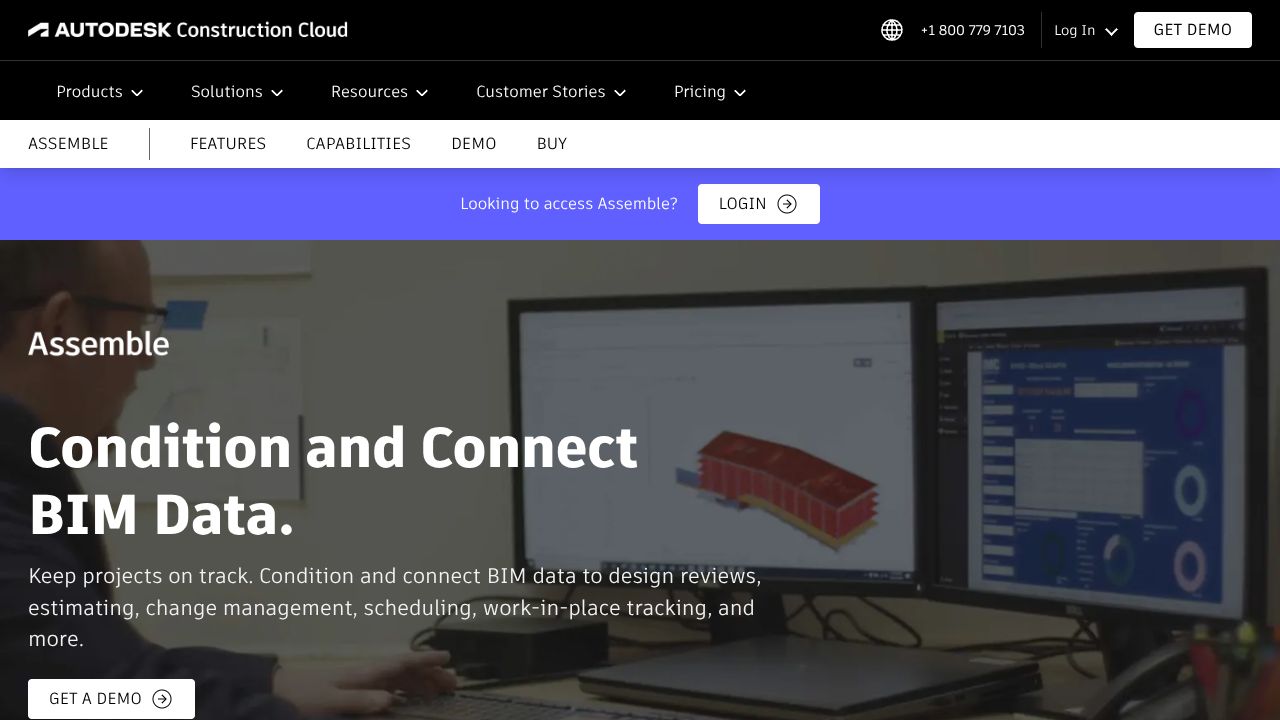
In my 15 years working with builders and product teams, I’ve seen the single biggest friction point in preconstruction: turning a rich BIM model into repeatable, auditable quantities. Assemble Systems (now part of Autodesk) is explicitly built to bridge that gap — extracting BIM element metadata, normalizing it into construction-ready inventories, and exposing it through a web UI so estimators and project managers can act without opening Revit. Under the hood you’ll find a cloud-first design built for versioning, delta detection, and fast takeoff queries that scale across projects and stakeholders.
Architecture & Design Principles
Assemble is architected as a cloud data platform layered over BIM authoring inputs. Models (Revit, Navisworks, IFC, CAD) are ingested into a processing pipeline where geometry and parameters are parsed, normalized and persisted in a versioned store. Autodesk’s cloud ecosystem patterns are evident: a separation between storage (object store for raw models, relational/columnar stores for extracted metadata), compute workers for geometry parsing and takeoff calculation, and a WebGL-based front end for visualization. Key technical decisions: canonicalization of element metadata (GUIDs + mapped parameters), precomputed quantity caches for fast takeoff queries, and a snapshot/delta model for Visual Variance reporting. The design favors eventual consistency for heavy processing and interactive responsiveness for common estimator flows.
Feature Breakdown
Core Capabilities
- Feature 1: BIM data extraction and model-based takeoffs
Technical explanation: Assemble ingests Revit/NWC/IFC files, parses element trees and parameter sets, maps families to user-defined classification schemas, and computes quantities (area/length/volume/count) which are stored in normalized tables. Use case: an estimator runs a package-level quantity rollup for a concrete scope in minutes instead of hours of manual counting. - Feature 2: Visual Variance reporting (change tracking)
Technical explanation: The platform performs element-level diffing using persistent IDs and secondary checksums (geometry/parameter hashes) to detect additions, deletions, and parameter deltas. Visual overlays are generated via the renderer to color-code changes and link them to cost/area/weight impacts. Use case: quickly generate a delta report tied to change order cost impacts after an architect revision. - Feature 3: Cloud collaboration and customizable organization
Technical explanation: Projects are organized into bid packages/phases/WBS which map to tags on extracted elements; access controls and versioned snapshots let teams collaborate in real time. Use case: PMs assign takeoff ownership across subcontractors while maintaining a single source of truth.
Integration Ecosystem
The platform exposes REST APIs and connectors for Revit/Navisworks uploads, Excel/CSV export and direct Power BI integration (OData or export endpoints). Webhooks trigger downstream workflows when a snapshot completes or a variance is detected. That makes it straightforward to push updated quantities into estimating systems or BI platforms for portfolio-level analysis.
Security & Compliance
Assemble follows modern cloud security practices: TLS encryption in transit, encrypted storage at rest, role-based access controls, SSO/SAML options, and audit logs for changes and exports. For enterprise deployments you’ll want to validate specific certifications with Autodesk, but the solution is designed to meet common construction IT requirements around access control and traceability.
Performance Considerations
Speed comes from precomputing takeoff caches and using chunked model streaming in the viewer (WebGL). Large models still incur processing time during ingestion — expect background jobs that can take from minutes to hours depending on model complexity. For predictable performance, split huge federations into phased snapshots and enable incremental ingestion to avoid full re-parsing.
How It Compares Technically
While Capsule excels at CRM workflows and AI-driven sales analytics for customer data, Assemble Systems is better suited for model-to-quantity conversion and construction takeoffs — they live in adjacent problem spaces. Compared to Unearth, which specializes in geospatial field data, maps, and asset tracking, Assemble focuses on building information and quantity intelligence; if your project is mapping and asset maintenance, Unearth is stronger, but for preconstruction BIM extraction Assemble wins. SAFE is strong in spatial data conversion and integration tooling — while SAFE can be the ETL workhorse for varied spatial formats, Assemble offers domain-specific workflows (takeoffs, Visual Variance) and a UI geared to estimators who aren’t BIM experts.
Developer Experience
From what I’ve seen, Assemble’s REST APIs and import/export endpoints are practical and documented for integration into estimating and ERP systems. There isn’t the breadth of community SDKs you’d find with core Autodesk Forge libraries, but webhooks and standard export formats (CSV/JSON/OData) make automation straightforward. If you need heavy customization, plan for a small integration sprint to normalize project schemas and parameter mappings.
Technical Verdict
Strengths: Assemble turns complex BIM geometry into construction-ready data quickly, with strong change-tracking and a UI non-BIM users can adopt. It reduces rework risk by centralizing snapshots and quantitative deltas, and its integrations make it a practical hub for estimating workflows. Limitations: ingestion is only as good as the source model — inconsistent family parameters or missing GUIDs require upfront data hygiene; very large federated models will need phased strategies to keep processing time acceptable. Ideal use cases: general contractors, estimators, and preconstruction teams who need repeatable, auditable takeoffs and rapid change quantification without forcing every stakeholder into Revit.
From the standpoint of a bootstrapped builder or startup construction toolmaker, Assemble offers a strong bet when your core value depends on accurate, versioned quantities. My practical tip: invest the time to standardize authoring conventions and export small test snapshots first — it pays off in faster, more reliable takeoffs and cleaner integrations downstream.
Resource Link
Visit Assemble Systems →